
In this guide
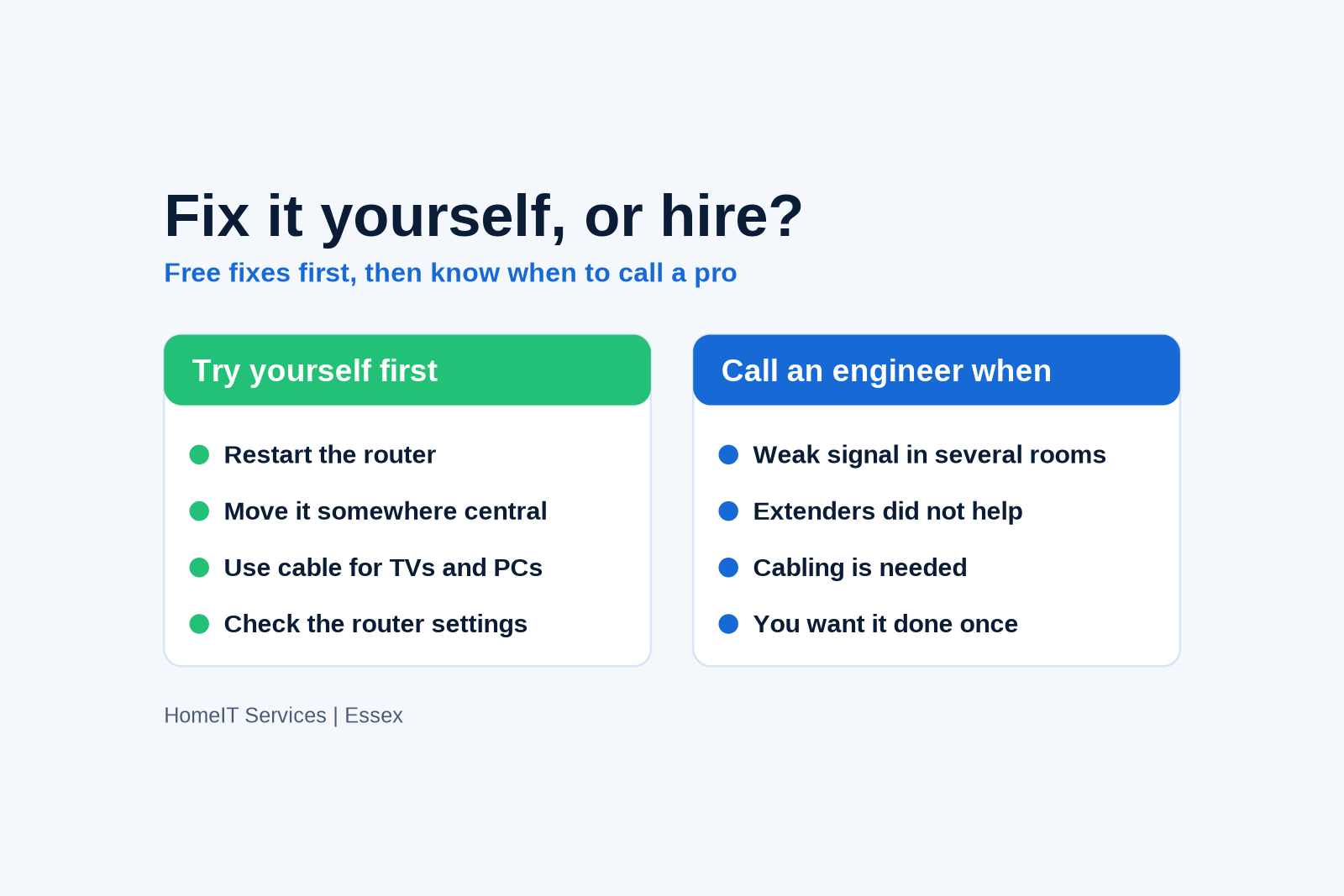
Short answer: try the free fixes first. If the WiFi still drops, does not reach upstairs, or extenders have not helped, it is usually time to hire an engineer, because the cause is often the layout or cabling of your home rather than a faulty router.
Plenty of WiFi problems can be fixed in ten minutes at no cost. Others cost people weeks and a drawer full of unused gadgets before they call anyone. This guide helps you tell the difference.
Things worth trying yourself
- Restart the router properly. Switch it off for around 30 seconds, then back on.
- Move the router. Central, raised and in the open is best. Not in a cupboard, behind the TV or on the floor.
- Use a cable for fixed devices. A TV, games console or desktop PC on a cable frees up WiFi for everything else. See Cat6 versus Cat5e if you are planning cabling.
- Check the router’s settings and app. Many routers show which devices are connected and whether updates are waiting.
- Test at different times. If it is only bad in the evening, the cause may be the provider, not your home. Our guide to broadband down or WiFi problem explains how to tell.
When doing it yourself works well
DIY is realistic in a small flat or single-floor home with one or two weak spots, especially when the router was simply in a poor position. If moving it or adding a cable solves the problem, you have saved the cost of a visit.
Signs it is time to hire an engineer
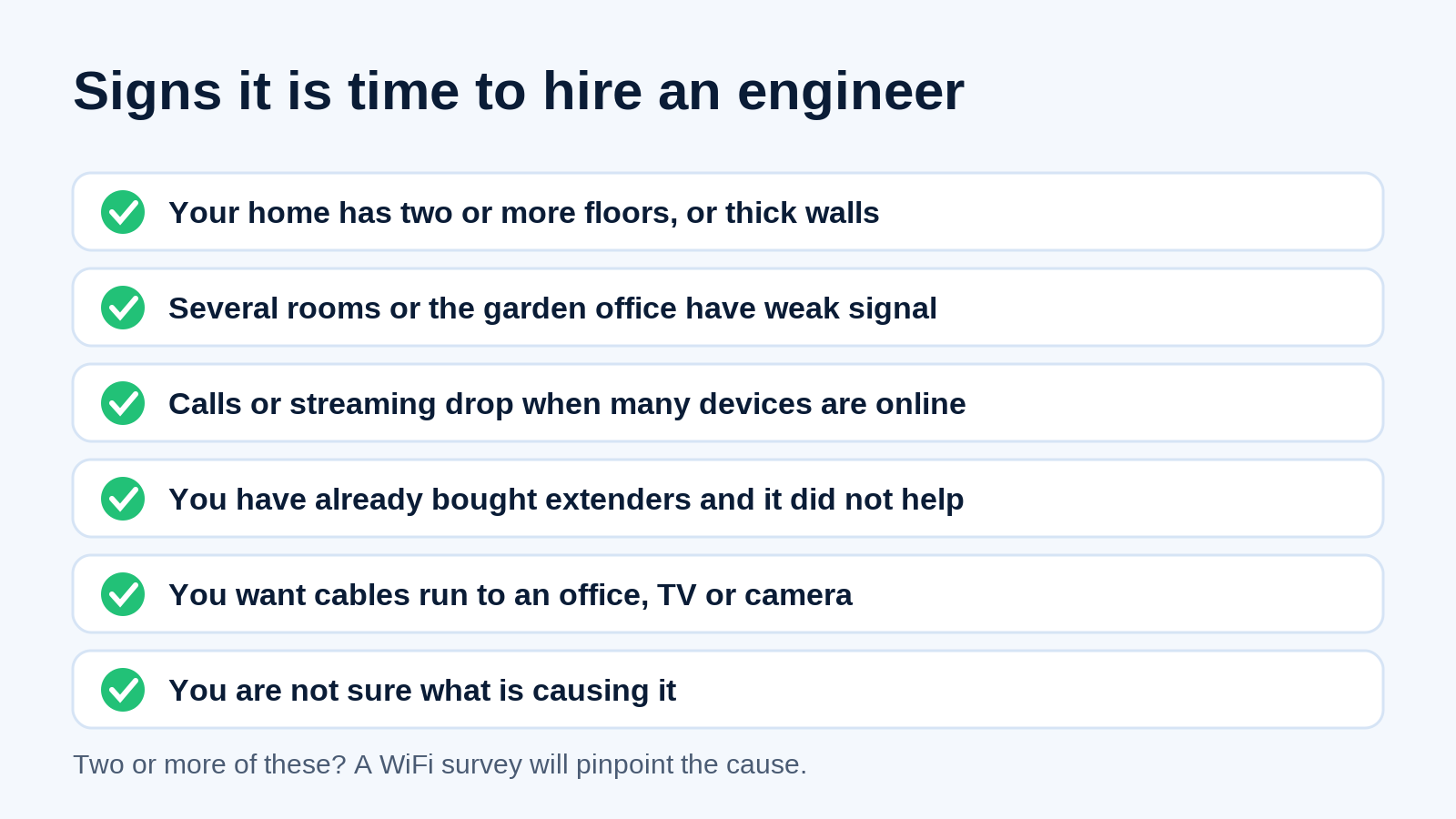
If two or more of those apply, the problem is probably structural: walls, distance, interference or a network that has outgrown its router. More gadgets rarely fix that, which is why a survey is worth doing before you buy anything. Our guides on extenders versus mesh WiFi and powerline adapters versus mesh WiFi show why the right fix depends on the house.
What a professional can do that is hard to do yourself
- Measure the signal room by room instead of guessing.
- Spot interference and poor router placement.
- Plan where access points should go, and run the cables to them.
- Set up the network properly, including roaming between access points and separating smart devices or guests.
- Test everything at the end, so you know it works.
What to expect to pay
It depends on the size of the home and how much cabling is needed. At HomeIT Services a WiFi survey starts from £60 and a full WiFi installation starts from £150, with a clear fixed quote before work begins. Compare that with buying equipment blind and still not solving the problem. See what WiFi installation costs in the UK and what a WiFi survey includes.
Getting help in Essex
HomeIT Services is an independent home IT specialist based in Southend-on-Sea. You deal directly with your engineer, with no call centre. Read about home WiFi installation in Essex, see our WiFi specialist service, or get in touch. If you are deciding who to call, see who can fix my WiFi in Essex.
HomeIT Services covers Southend-on-Sea, Chelmsford, Rayleigh, Billericay, Brentwood and Chigwell. See all the areas we cover.
Frequently asked questions
Yes, when the problem affects several rooms, keeps returning, or extenders have not helped. A survey finds the cause before you spend on equipment.
Sometimes. Moving the router to a central position or putting fixed devices on a cable can help. Multi-floor homes and thick walls usually need access points and cabling.
They can help in small spots but often halve speeds and do not fix the cause. See our guide to extenders versus mesh WiFi for when each makes sense.
A standard home is usually a few hours. Extra cabling or a larger property can take longer, and a clear quote will say what to expect.
Not always. Sometimes the fix is router position or settings. A survey tells you honestly whether new equipment is needed.
Rather have it done properly?
Get a clear, fixed quote from a local engineer before any work starts.