
In this guide
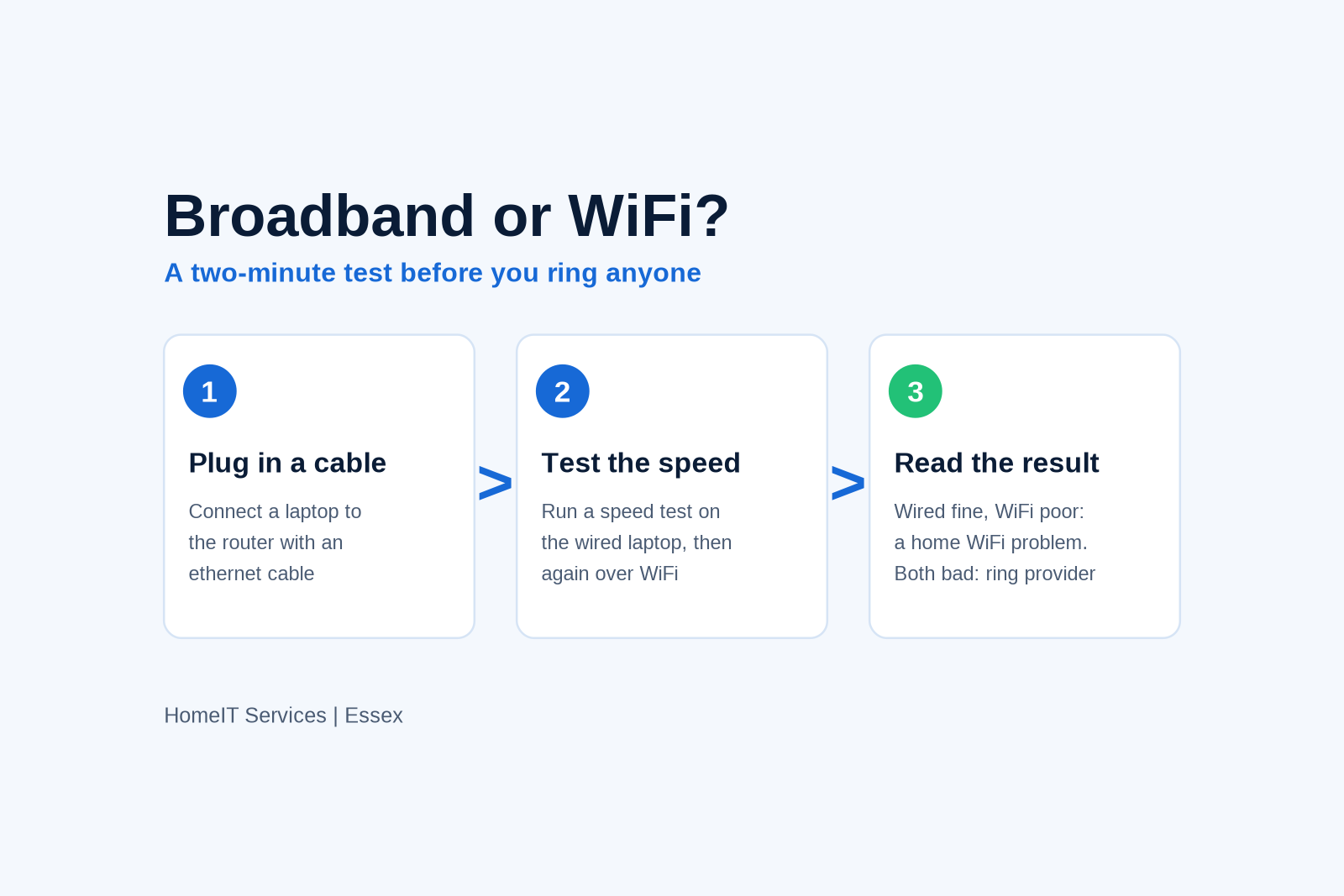
Short answer: plug a laptop into the router with a cable. If the wired connection works but WiFi is poor, the problem is WiFi inside your home. If the wired connection is also slow or dead, ring your broadband provider.
When the internet misbehaves, most people ring their provider or search for a local engineer without knowing which one they need. Ring the wrong one and you lose time: your provider cannot fix a dead spot upstairs, and a home engineer cannot repair a fault on the line outside your house. A two-minute test tells you which it is.
The two-minute cable test
- Check the router lights. Colours and labels differ between routers, so check the manual or your provider’s guide. In general, a missing or red internet or broadband light points to the line.
- Plug in a cable. Connect a laptop to a spare port on the router with an ethernet cable, and turn the laptop’s WiFi off.
- Test it. Load a few websites and run a speed test.
- Compare. Now unplug the cable, switch WiFi back on and test again, ideally in the room where the problem happens.
What the result means
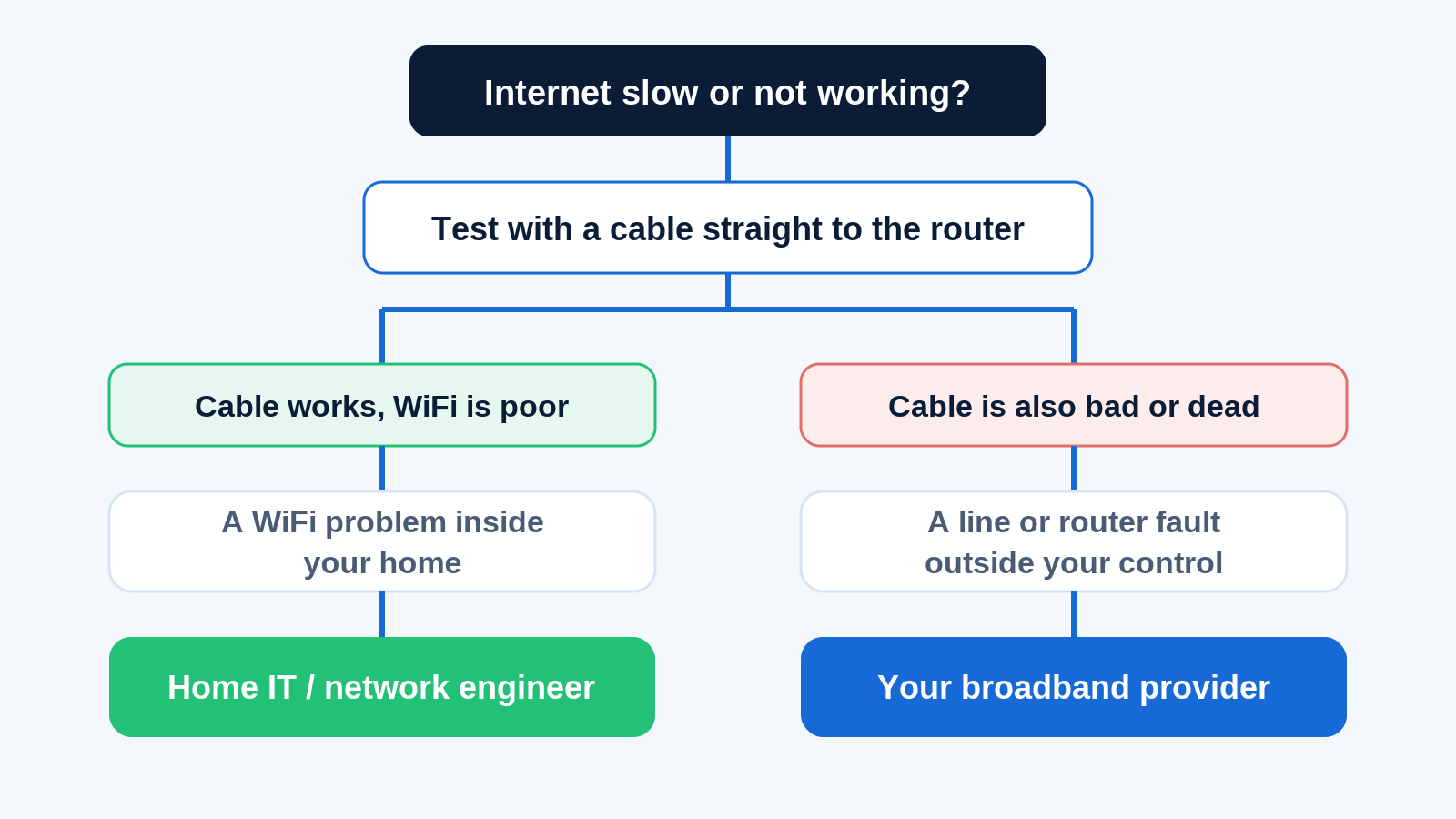
- Wired is fine, WiFi is poor. The broadband is working. The issue is how the signal spreads through your home: router position, walls, interference or too few access points. A home IT or network engineer is the right person.
- Wired is also slow or has no connection. The problem is likely the line or the router. Ring your provider.
- Only one device is affected. Look at that device first: restart it, forget and rejoin the network, or update it.
- Slow only at busy times, such as evenings. This can be congestion on the provider’s network. Test at different times and tell your provider what you found.
Who to call for what
Your broadband provider handles outages, line faults and the router they supplied. If they decide the fault is on the line or street cabinet, they arrange an engineer, often from Openreach, so you usually go through your provider rather than contacting Openreach yourself. Check your provider’s status page first, as there may already be a known outage in your area.
A home IT or network engineer handles what happens after the signal reaches your wall: dead spots, regular drops, cabling, access points and busy homes with lots of devices.
Before you phone your provider
- Have your account details to hand.
- Say clearly that you tested with a cable and what happened. It saves you being walked through the basics again.
- Ask for a reference number for the fault.
- Ask what compensation applies if the outage is long. Some providers offer automatic compensation for delays and loss of service.
If it turns out to be WiFi
That is good news, because it is usually fixable without waiting for anyone to dig up the street. Start with our guides to WiFi coverage across the whole house and extenders versus mesh WiFi. If you would rather not buy kit and hope, a WiFi survey finds the cause first. If you are choosing someone to help, see who can fix my WiFi in Essex.
Need help with the WiFi side?
HomeIT Services sorts the part that sits inside your home: router position, cabling, access points and settings. A WiFi survey starts from £60 and a full WiFi installation from £150, with a clear fixed quote before any work begins. See our WiFi specialist service or get in touch.
HomeIT Services covers Southend-on-Sea, Chelmsford, Rayleigh, Billericay, Brentwood and Chigwell. See all the areas we cover.
Frequently asked questions
Plug a laptop into the router with an ethernet cable. If the wired connection works well but WiFi is poor, it is a WiFi problem. If the wired connection is also slow or dead, it is a broadband or router fault.
Start with your broadband provider, and check their status page for known outages. They arrange any line engineer, often from Openreach.
A good speed at the router but weak WiFi usually points to router position, walls, interference or too few access points rather than the broadband line.
Usually not. Your provider decides whether the fault is on the line or cabinet and books the engineer for you.
Not a fault on the line or street equipment, which belongs to your provider. They can fix everything inside your home, such as dead spots, cabling and router set-up.
Rather have it done properly?
Get a clear, fixed quote from a local engineer before any work starts.