
In this guide
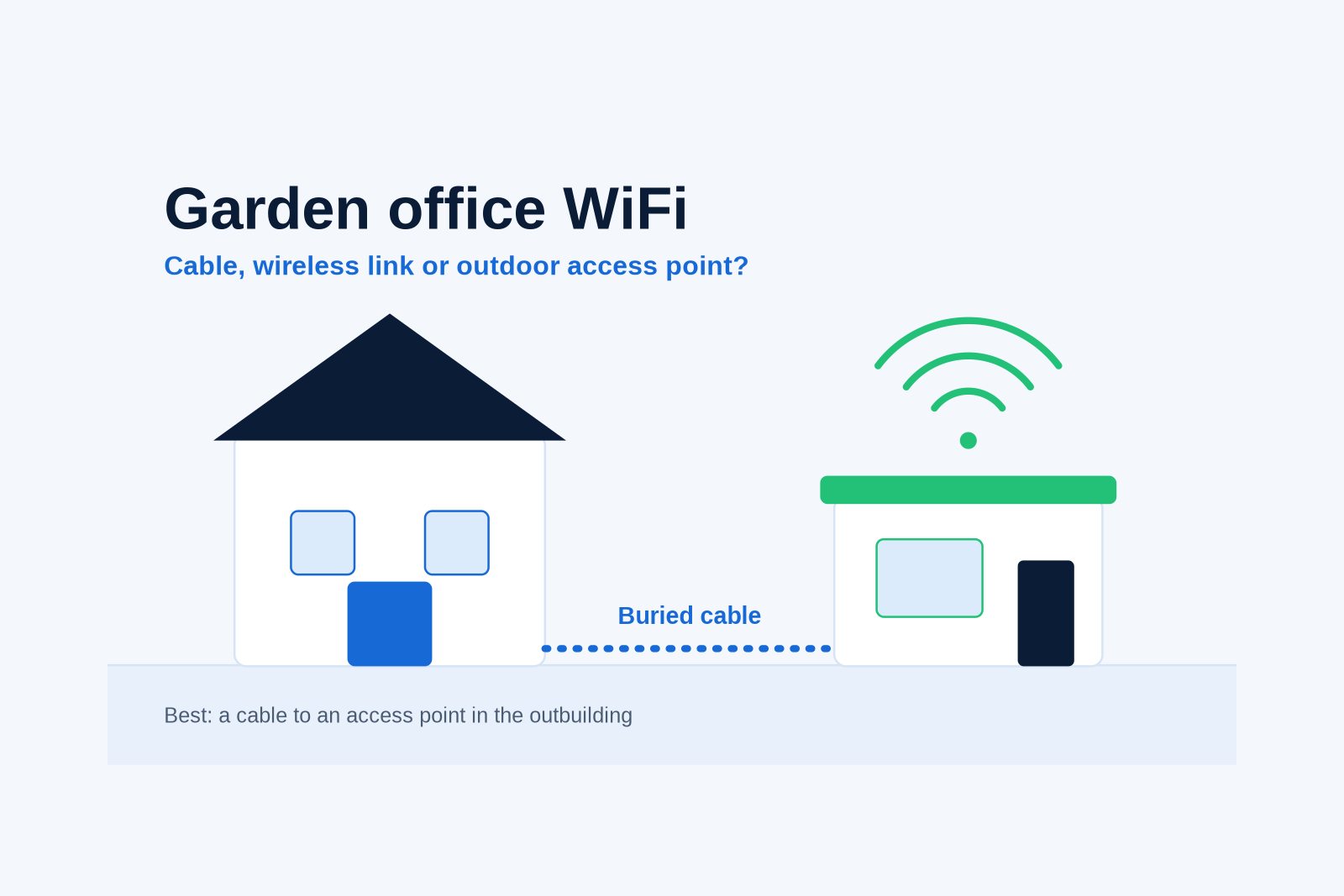
Short answer: the most reliable way to get WiFi to a garden office is a cable from the house to an access point inside the building. If you cannot dig, a wireless link is the next best option. Extenders and mesh nodes placed in the house often disappoint, because distance and insulated walls cut the signal.
A garden office, summerhouse or outbuilding is a great idea until the video call freezes. The room is only a few metres from the house, yet the WiFi that works in the kitchen barely reaches the bottom of the garden. This guide explains why, and the options for fixing it.
Why garden offices struggle with WiFi
- Distance and walls. The signal has to cross the garden and at least one external wall of the house, then the walls of the outbuilding.
- Insulation and cladding. Well-insulated cabins, foil-backed insulation, metal cladding and some energy-efficient glass can reduce WiFi signal a lot.
- Router position. If the router is at the front of the house, the garden is the furthest point from it.
Your options, from best to worst
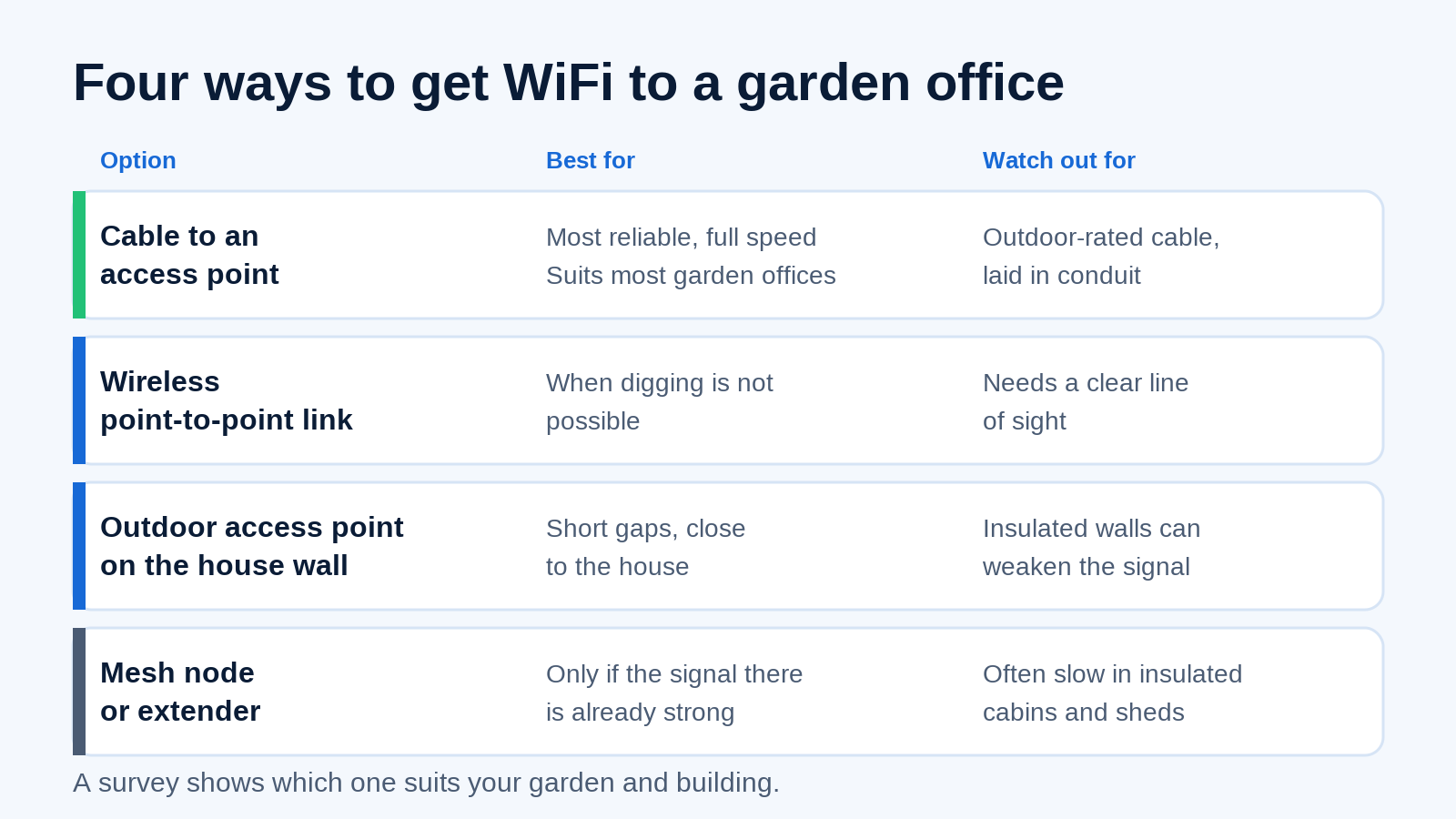
- Cable to an access point in the outbuilding. A network cable runs from the house to a small access point inside the garden office. This gives a stable, full-speed connection and is the best choice for working from home. The cable must be outdoor-rated and protected, usually buried in conduit or fixed along a wall or fence.
- Wireless point-to-point link. Two small outdoor units, one on the house and one on the outbuilding, link the buildings without a trench. They need a clear line of sight between them.
- Outdoor access point on the house wall. It points the signal towards the garden. This can work for short distances, but walls and insulation on the outbuilding still affect it.
- Mesh node or extender. This only works if the signal where you place it is already strong. In insulated cabins it is often slow, which is why we usually suggest the cable. See extenders versus mesh WiFi.
What about powerline adapters?
Powerline adapters send the connection through your electrical wiring. They can work if the outbuilding is wired in a suitable way, but results vary, so treat them as a trial rather than a guaranteed fix. Our guide to powerline adapters versus mesh WiFi explains the trade-offs.
How far can a network cable run?
A standard Ethernet cable can run up to about 100 metres, which covers most gardens. If you plan to run a cable, choose a good-quality type designed for the job. Our guide to Cat6 versus Cat5e covers the basics.
Safety and who should do what
- Network cable and mains power are separate jobs. Any mains power supply to the outbuilding should be installed by a qualified electrician.
- Keep data cable separate from mains cable, and use outdoor-rated, protected cable for anything outside.
- Plan the route before digging, and avoid pipes and existing cables.
Before you decide
- Measure the distance from the house to the outbuilding.
- Note what the outbuilding is made of: timber, insulated panels, brick or metal.
- Check whether a duct or conduit already runs between the buildings.
- Decide whether you need a cabled connection for video calls or work.
If you are unsure which option fits, a WiFi survey tells you before you spend money. See what a WiFi survey includes.
What does it cost?
It depends mainly on the length and route of the cable and the equipment needed. At HomeIT Services a WiFi survey starts from £60 and a full WiFi installation starts from £150, depending on cabling and the number of access points. You get a clear fixed quote before any work begins.
Need WiFi for your garden office?
HomeIT Services is an independent home IT specialist based in Southend-on-Sea. You deal directly with your engineer. See our WiFi specialist service, read about home WiFi installation in Essex, or get in touch.
HomeIT Services covers Southend-on-Sea, Chelmsford, Rayleigh, Billericay, Brentwood and Chigwell. See all the areas we cover.
Frequently asked questions
The most reliable way is a cable from the house to an access point inside the garden office. If you cannot dig, a wireless link between the two buildings is the next best option.
A standard Ethernet cable can run up to about 100 metres, which covers most gardens. Outdoor-rated cable should be used and protected, for example in conduit.
Sometimes, but only if the signal where you place it is already strong. Insulated cabins and sheds often make extenders slow, so a cabled access point is usually better.
Network cable and mains power are separate jobs. Any mains supply to the outbuilding must be done by a qualified electrician, and data cable should be kept separate from mains cable.
They can, but results vary depending on how the outbuilding is wired. Treat them as a trial rather than a guaranteed fix.
It depends on the cable length, route and equipment. At HomeIT Services a WiFi survey starts from £60 and a full WiFi installation from £150, with a fixed quote before any work starts.
Rather have it done properly?
Get a clear, fixed quote from a local engineer before any work starts.