

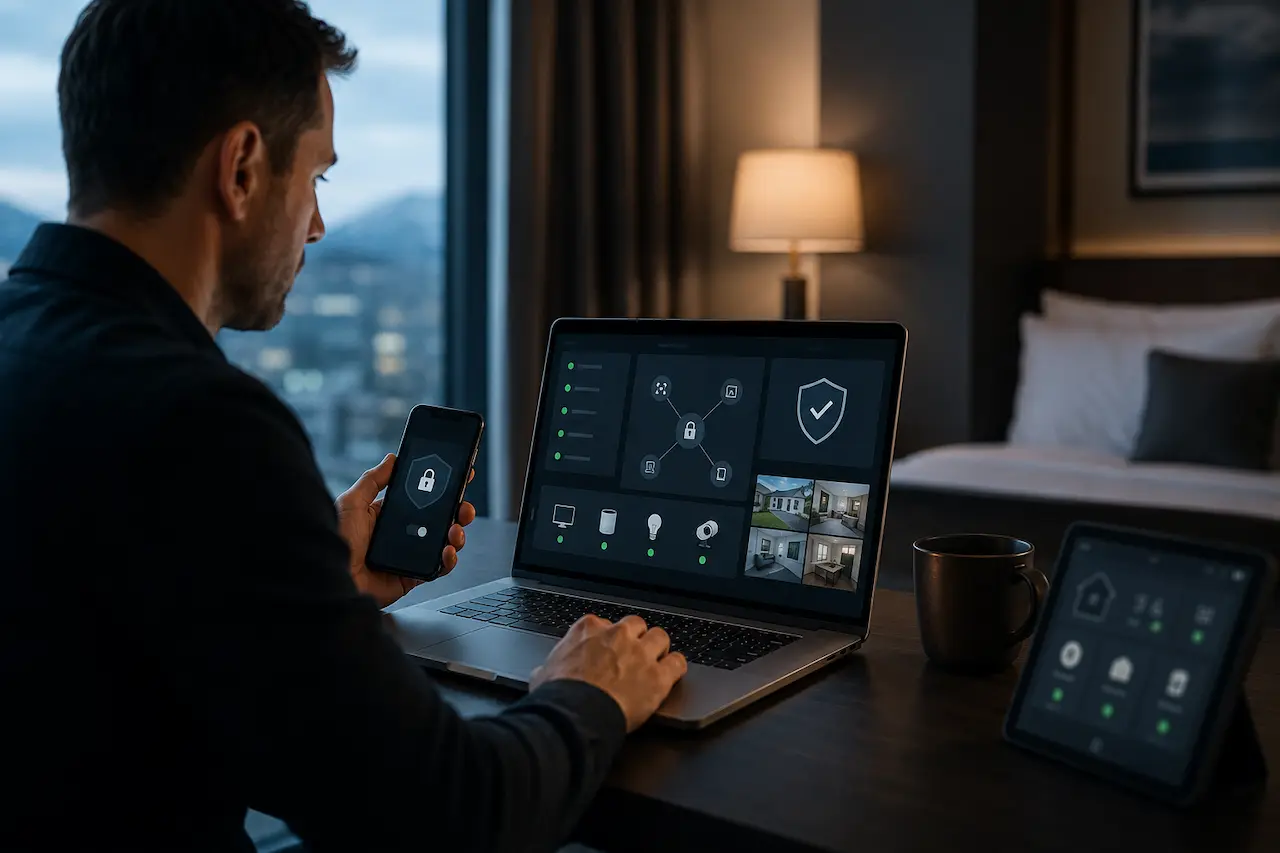
Your home network holds everything that matters. Your files, smart cameras, work documents, and family photos all sit behind a single router. The real question is not whether you should be able to access home network remotely, but whether you can do it without putting your personal data and connected devices at risk.
At HomeIT Services, we are regularly asked how to access a home network from outside the property. Most homeowners want the convenience of reaching their files, cameras, or computers while travelling or working away from home. However, without the correct security configuration, remote access can leave an open door for unauthorised users.
What Remote Access to Your Home Network Actually Means
Remote access allows you to reach files, security cameras, desktop computers, and other connected devices from anywhere using an internet connection. Instead of being physically present in your home, you can securely connect to your network through a phone, tablet, or computer.
Although this sounds straightforward, a poorly configured connection can expose your private network to cyber threats. To safely access home network remotely, you need appropriate authentication, encryption, updated equipment, and a properly configured VPN.
We configure secure remote-access and VPN systems for homes throughout Essex. The difference between a professional setup and a rushed installation can be the difference between reliable access and a serious security breach.
The Difference Between a Home VPN and a Public VPN App
A commercial VPN application usually routes your browsing activity through a third-party server. It is primarily designed to improve privacy while browsing, conceal your IP address, or protect your internet activity on public networks.
A home VPN works differently. It creates a secure, encrypted connection between your remote device and your home router. This allows you to privately access your own files, cameras, computers, and other connected equipment.
One type of VPN protects your online browsing activity. The other helps protect access to your personal property and home network.
This distinction matters when you want to access home network remotely. A commercial VPN app cannot normally display your home security cameras or retrieve a document stored on your desktop computer. It was not designed for that purpose. A properly configured home VPN provides direct and secure access to the devices and resources inside your own network.
Why More Essex Homeowners Are Asking For This
Hybrid working changed what people expect from a home network. So did smart cameras, home offices, and family members who travel often. People no longer accept being cut off from their own home simply because they are not standing inside it. We have seen firsthand how quickly this request moved from a niche one to a common one, particularly among home office workers and small business owners who need their files on demand.
The Real Risks Of Getting This Wrong
Opening your home network to the outside world without proper configuration is not a small mistake. It is an open invitation, and the people who exploit it are patient and thorough. This is exactly why remote access should always be planned alongside your wider home network infrastructure, not bolted on as an afterthought.
Exposed Ports And Open Doors
Some routers are configured to forward ports directly to a device with no authentication layer in front of them. That device becomes visible to anyone scanning the internet for exactly this kind of weakness, and there are automated tools built purely to find them. These scans run constantly, all over the world, with no specific target in mind. They are not looking for you personally. They are looking for the mistake, and once they find it, it makes no difference who you are.
Weak Passwords And Default Logins
Default usernames and passwords are published online for almost every router and camera brand. If you never changed yours, you have not secured anything. You have simply hoped nobody would try. We prioritise a strategy of changing every credential during the initial setup, before a device ever touches the internet, because retrofitting security after a device has already been exposed is always harder than doing it correctly the first time.
Unencrypted Connections On Public WiFi
Checking your home cameras from an airport or a hotel over an unencrypted connection is one of the most common mistakes we see. Without proper encryption, that connection can be intercepted by anyone else sharing the same public network. A correctly configured setup closes this gap completely, and it does so without adding any noticeable delay or complication to how you actually use your devices day to day.
Outdated Firmware Left Unpatched For Years
Router and camera manufacturers release security patches regularly, and most homeowners never install a single one. An unpatched device is not simply slightly behind. It is running with known vulnerabilities that are publicly documented, which makes it one of the easiest targets on your entire network. Keeping firmware current is one of the least glamorous parts of remote access, and also one of the most important.
A Real World Example From A Southend Home Office
A client in Southend contacted us after noticing unfamiliar activity on his home network late at night. He had installed a budget camera system himself, connected it directly to the internet, and never changed the default password. He assumed that because the cameras worked and the app showed a live feed, everything was fine. It was not. Once we secured the network properly, we also reviewed his CCTV setup to make sure the cameras themselves were not the weak point.
The fix took an afternoon. It involved closing the exposed port, replacing every default credential, moving the cameras onto a properly configured VPN connection, and updating firmware that had not been touched since installation. Nothing about the fix was complicated. What made the difference was knowing exactly where to look, and that only comes from having done this work for a long time. Ignoring it could have cost him a great deal more than an afternoon.
Common Mistakes People Make Setting This Up Alone
We always advise clients to be honest with themselves about how much time they genuinely have to get this right, because most of the problems we see did not come from bad intentions. They came from rushing.
The most common mistake is treating remote access as a single toggle switch rather than a full configuration. People turn on a feature in their router settings, see that it works from their phone, and consider the job finished. A working connection and a secure connection are not the same thing, and the gap between them is exactly where most break ins happen.
The second most common mistake is forgetting that remote access is not a one time job. A setup that was secure eighteen months ago may no longer be, simply because firmware has moved on, new devices have joined the network, or a password has quietly become common knowledge through a data breach on an unrelated website. I always advise clients to treat this the way they treat a boiler service. It needs revisiting, not just installing.
How To Set Up Secure Remote Access Properly
A secure setup follows the same principles every time, regardless of your router brand or provider.
- Use a properly configured VPN rather than opening individual ports directly to a device
- Replace every default password with a strong, unique one before anything goes online
- Keep router and device firmware updated on a regular schedule, not left untouched for years
- Turn on two factor authentication wherever it is available
- Test remote access from mobile data, not just your home WiFi, before relying on it
- Review connected devices periodically and remove anything you no longer use
Signs Your Current Remote Access Setup Is Not Safe
Many homeowners already have some form of remote access running and have no idea it is exposed. If your setup shares any of the habits we outlined in our guide to structured home network infrastructure, it is worth a proper review.
- You are still using the default password that came with your router or camera
- You have no idea which ports are open on your router
- You set it up once, years ago, and have not looked at it since
- You access your cameras or files over public WiFi without a VPN
- You cannot say with confidence what devices are currently connected to your network
When To Call A Professional Instead Of Doing It Yourself
Technically confident homeowners can configure basic remote access themselves. Most routers, however, do not make this straightforward, and a small misconfiguration is often invisible until it is exploited. We always advise clients to treat remote access the same way they treat a front door lock. It is worth doing properly the first time. If you want it checked or set up correctly, get in touch with our team and we will talk you through exactly what your home needs.
Why Choose HomeIT Services
We are a local Essex engineer with over thirty years of hands on experience, not a call centre reading from a script, and every remote access setup we deliver is tested before we consider the job finished.
- Direct access to the engineer who configures your network, every time
- Thirty plus years of hands on IT experience across Essex homes and small businesses
- No subcontractors, no outsourcing, and no call centres involved
- Transparent pricing agreed before any work begins
- Aftercare included as standard if anything ever needs adjusting
Frequently Asked Questions
Is it safe to access my home network remotely?
Yes, provided it is configured correctly. A properly set up VPN with strong passwords and updated firmware is safe and something we set up for homes across Essex on a regular basis. An exposed port with a default password is not safe under any circumstances, regardless of how convenient it feels in the moment.
Do I need a new router to access my home network remotely?
Not necessarily. Many modern routers already support this feature natively. We assess your existing equipment first and only recommend new hardware where it will genuinely improve security or performance, rather than suggesting an upgrade for its own sake.
What is the safest way to check my home cameras while travelling?
A properly configured home VPN, connected before you open your camera app, is the safest method available. Avoid accessing cameras directly over public WiFi without one, even if the app itself claims to be encrypted, since the weak point is usually the network you are connecting from rather than the app.
Can someone hack my home network if I never changed the default password?
Yes, and this is one of the most common ways home networks are compromised. Default logins for most routers and cameras are publicly available online, which means leaving them unchanged is effectively leaving the front door unlocked.
How long does it take to set up secure remote access?
A standard home setup, including testing from an external connection on mobile data, is typically completed within a few hours. More complex setups involving multiple devices, cameras, or a home office may take longer, and we will always give you an honest estimate before starting.
Final Thoughts
Being able to access your home network remotely is genuinely useful, right up until the moment it is not. The difference between convenience and risk comes down to how it was set up, not whether you use it. Do it properly once, and you never have to think about it again. Do it carelessly, and eventually it will find you.