

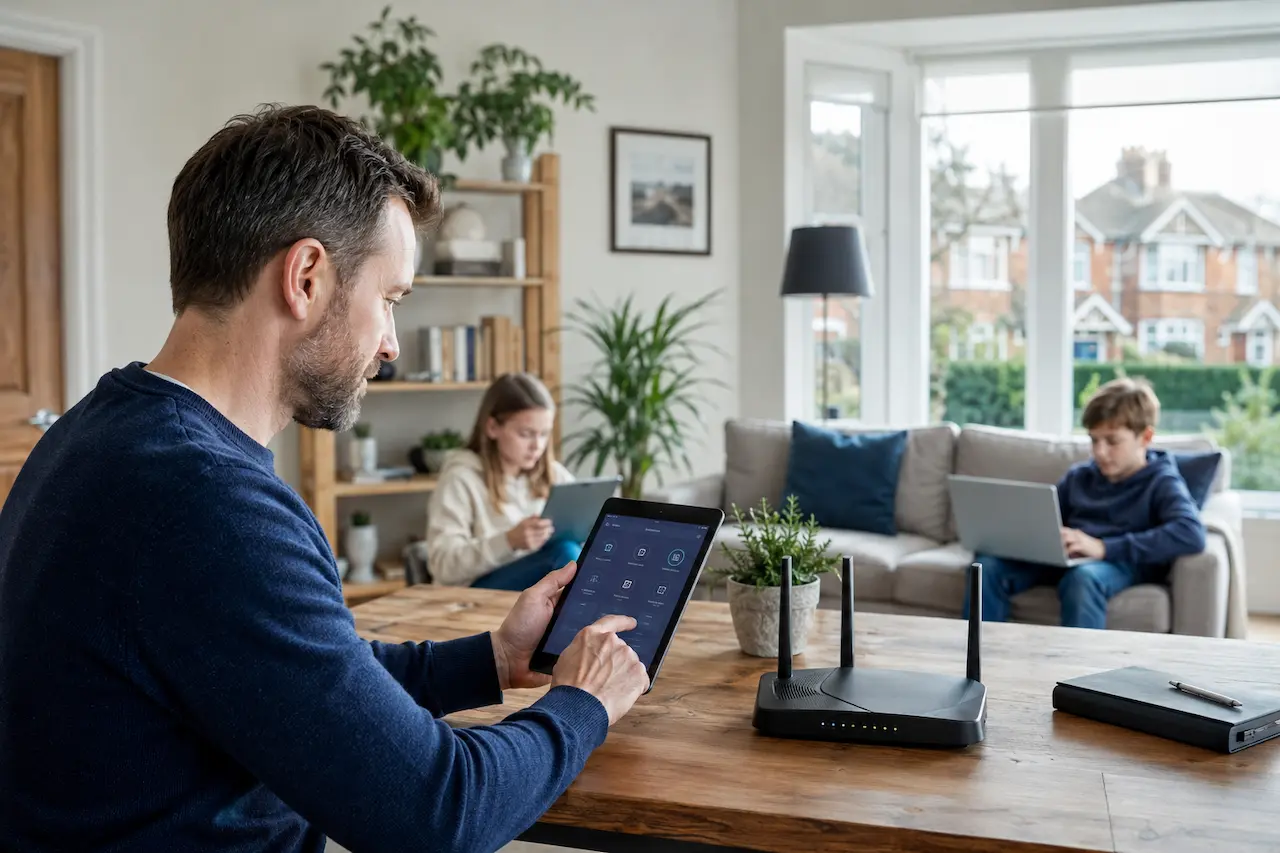
You set up parental controls once, felt relieved, and moved on. Then you noticed something. A video that should have been blocked. An app downloaded at midnight. A screen time limit that quietly stopped working. Kids bypassing parental controls is one of the most common calls we get from families across Essex, and in almost every case, the parents did nothing wrong. The controls were simply never built to hold.
We have set up and repaired more parental control systems than we can count, and the pattern is always the same. An app gets installed, it works for a few weeks, and then a smart, curious child finds the gap. This guide explains why that happens and exactly how to close it properly.
Why Parental Controls Fail More Often Than Parents Expect
Most parental control failures are not really about the child outsmarting the parent. They are about where the control sits in the first place.
App Based Controls Live On The Device, Not The Network
A parental control app installed on a phone or tablet only works while that app is running properly on that specific device. Uninstall it, wipe the device, or switch to a different one, and the protection disappears with it. Controls applied at the router level behave differently, because they protect every device that joins the network automatically, with nothing for a determined child to remove.
Kids Are More Tech Literate Than The Controls Assume
Most parental control software was designed with an average user in mind, not a teenager who has grown up surrounded by technology. Children today learn workarounds from each other, from online forums, and occasionally from tutorials made specifically to defeat the exact app their parents installed. The controls have not gotten worse. The children got faster.
The Most Common Ways Kids Bypass Parental Controls
We prioritise a strategy of understanding exactly how a bypass happened before we fix anything, because patching the wrong gap gives parents false confidence.
Switching To A Different DNS Server
Content filtering often relies on DNS, the system that translates a website address into something a device can connect to. Many teenagers know how to change this setting manually, which quietly removes the filtering without disabling anything visible on the home screen. The app still shows as installed and active. It simply has nothing left to filter, because the device is no longer using it to look anything up.
VPN Apps Disguised As Something Else
Some VPN apps are deliberately marketed and named to look like games, battery savers, or storage cleaners, specifically so a parent scrolling through an app list would not think twice about them. Once installed, they route the device’s traffic outside the home network entirely, which bypasses router level filtering completely unless it has been specifically configured to detect and block this kind of traffic.
Old Phones, Guest Devices And Forgotten Logins
An old phone sitting in a drawer, still connected to the home WiFi, is rarely covered by an active parental control profile. The same is true of a shared family tablet that was set up years ago and never revisited. These devices become quiet blind spots.
Factory Resets And Hidden Profiles
A factory reset removes an installed app entirely, including any parental control software on it. Some children also create a second user profile on a shared device, which sits outside the restrictions applied to the original profile, and many parents never think to check for it.
Why The App By App Approach Always Falls Behind
The instinct most parents follow is entirely reasonable. A new bypass gets discovered, so a new setting gets changed or a new app gets installed to close that specific gap. The problem is that this turns into a permanent, one sided race. Every fix addresses a single symptom while leaving the underlying weakness, the fact that protection lives on the device rather than the network, completely untouched.
We have seen firsthand how draining this becomes for parents. One month it is a DNS setting. Next month it is a hidden profile. Each individual fix is simple enough on its own, but the cycle never actually ends, because the child only needs to find one gap while the parent has to close every single one. Moving the filtering to the network changes the shape of that entire race.
A Real World Example From An Essex Family
A family in Rayleigh contacted us after their teenage son had been accessing content for months despite having a well known parental control app installed on his phone. He had simply changed his device’s DNS settings, a five minute task once you know where to look, and the app had no way of detecting it. We moved their filtering to the router itself and configured it alongside their wider home network setup, which meant every device on the network was covered automatically, regardless of what was installed or removed on any individual phone.
The difference was immediate. There was nothing left on the device for him to uninstall, no app to disable, and no setting he could quietly change, because the filtering no longer depended on the device at all.
How To Build Bypassing Parental Controls That Actually Hold
A parental control setup that survives daily use follows a few consistent principles.
- Apply filtering at the router level so every device is covered automatically
- Block known VPN services and alternative DNS servers at the network itself
- Create separate profiles for each child with age appropriate restrictions
- Review connected devices regularly, including old phones and guest devices
- Set screen time schedules that apply automatically, not manually each night
- Revisit the setup as children get older and their access needs change
Signs Your Current Setup Has Already Been Bypassed
Many parents assume their controls are working simply because nobody has said otherwise. If any of these sound familiar, it is worth a proper review, and it connects closely to the wider home network setup that everything else in the house depends on.
- Screen time limits stop working with no explanation
- Your child’s device shows data usage that does not match their normal habits
- Apps appear on a device that were never approved
- A device connects to the WiFi that you do not recognise
- Your child becomes unusually secretive about their phone or tablet
When To Move From App Based Controls To Network Level Filtering
If you are still relying entirely on a downloaded app, you are relying on something your child can remove in under a minute. I always advise clients to shift the heavy lifting to the router itself, because that is the one part of the home network a child cannot simply uninstall. If your household has outgrown app based controls, get in touch with our team and we will walk you through exactly what a proper setup looks like for your home.
Why Choose HomeIT Services
We are a local Essex engineer with over thirty years of hands-on experience, and every filtering setup we configure is tested across every device in the home before we consider the job finished. Many of the same families also ask us to review their wider home security setup once their network is properly locked down.
- Direct access to the engineer who configures your family’s network, every time
- Thirty plus years of hands on IT experience across Essex homes and families
- Filtering configured at the router, not left to a single app on a single device
- Bypass prevention built in from the start, not added after a problem appears
- Aftercare included as standard as your children grow and their needs change
Frequently Asked Questions
Can kids really bypass parental controls that easily?
Yes, particularly app based controls installed only on a device. Changing a DNS setting or installing a disguised VPN app can bypass most consumer parental control software within minutes, and neither action requires any special technical skill.
Is router level filtering better than an app?
In almost every case, yes. Router level filtering covers every device on the network automatically, with nothing installed on the device itself for a child to remove, disable, or quietly work around.
Can a VPN app really get around parental controls?
Yes. A VPN app routes a device’s traffic outside the home network entirely, which is why blocking known VPN services at the router is an essential part of a setup that actually holds over time, not just for the first few weeks.
Do I need to set up different controls for each child?
Generally yes. Age appropriate restrictions work far better as individual profiles rather than one blanket setting applied to every device in the house, particularly in households with children of different ages.
How often should I review our parental control setup?
At least once every few months, and always after a child receives a new device. Needs change quickly as children get older, and a setup that worked perfectly last year may already have gaps this year.
Final Thoughts
Kids bypassing parental controls is rarely a parenting failure. It is usually a sign that the controls were built in the wrong place from the start. Move the protection to the router, and the gaps a child could once slip through simply are not there anymore. Do it properly once, and you stop chasing the problem app by app.