
In this guide
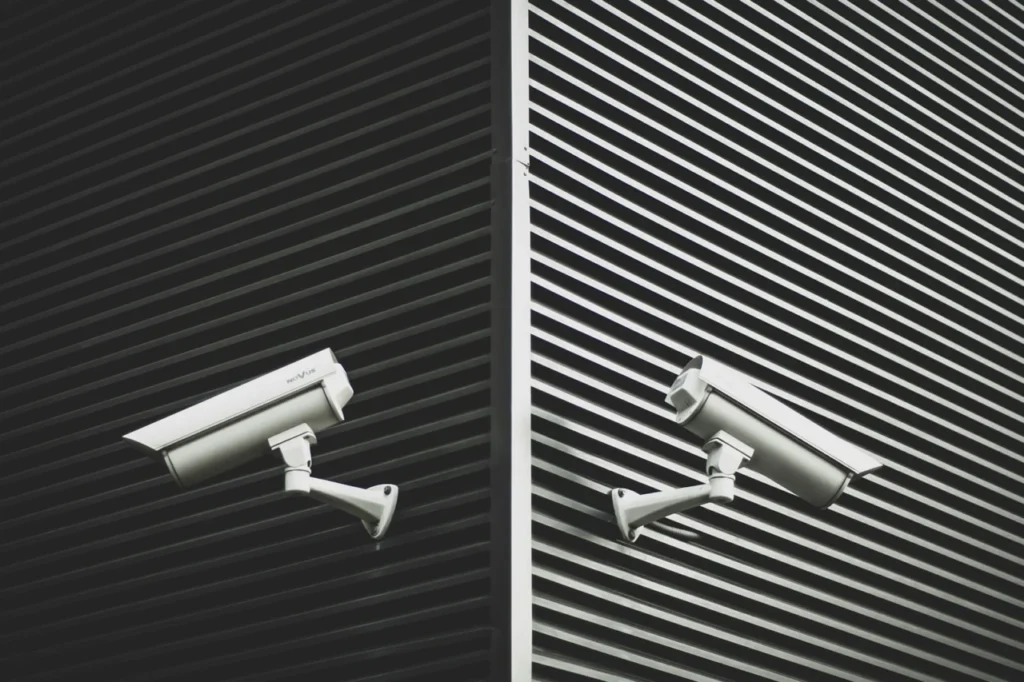
Short answer: a local NVR (network video recorder) gives you more control, no monthly fees and longer storage, while cloud storage keeps footage safe off-site but usually costs a subscription. Many homes use a recorder for continuous recording and the cloud for important clips. How long footage lasts depends on camera quality, number of cameras and whether you record on motion.
When people choose cameras they think about picture quality. When they need footage, they discover storage. A camera that cannot show what happened last Tuesday is only half a security system. So where should the recordings live, and how much space do you need?
What is an NVR?
An NVR is a small box with one or more hard drives. IP cameras send video to it over the network, usually through PoE cables, and it records, stores and lets you play back footage on a screen or a phone app. Older analogue systems use a DVR, which does the same job with different cabling.
What is cloud CCTV storage?
With cloud storage, cameras upload video to the manufacturer’s servers over your internet connection. You watch clips through an app. It is common with doorbells and wireless cameras, and it usually involves a monthly or annual fee for saved footage.
NVR versus cloud at a glance
| Feature | Local NVR | Cloud storage |
|---|---|---|
| Running cost | No subscription | Usually a monthly or yearly fee |
| Storage length | Weeks, depending on drive size | Often limited to a set number of days |
| Internet needed | Not for recording, only for remote viewing | Yes, always |
| Theft protection | Footage lost if the recorder is taken | Footage is safe off-site |
| Control and privacy | Footage stays in your home | Footage is held by a third party |
How much storage do you need?
The size of recordings depends on the camera’s bitrate, which is how much data it produces every second. A typical modern camera produces somewhere between 1 and 6 Mbps depending on resolution, compression and what it can see. Here is a worked example using 4 Mbps per camera, recording constantly.
- 4 Mbps is about 0.5 MB every second.
- That is roughly 1.8 GB per hour, or about 43 GB per day, for one camera.
- Four cameras for 14 days comes to about 2.4 TB.
Recording only when motion is detected, rather than continuously, can cut this dramatically in a quiet household. Using efficient compression such as H.265 also reduces storage. A recorder with a drive of 2 to 4 TB is a common starting point for a small home system, but it should be sized properly for your cameras.
Use a surveillance-rated hard drive
A recorder writes to its drive all day, every day. Drives designed for surveillance are built for that workload, and are a much better choice than ordinary desktop drives.
Keep important clips safe
Whichever approach you choose, do not rely on one copy of anything important. If something happens, export the relevant clip straight away and save it somewhere else. Keep the recorder out of sight, ideally in a locked cupboard, so that taking it is not an easy job.
How long should you keep footage?
There is no set period for domestic CCTV in the UK, but the Information Commissioner’s Office expects you to keep footage for no longer than you need it. Many homes keep two to four weeks. If you record other people, for example on a doorstep or pavement, deleting footage promptly is part of using the system responsibly. Our article on what to know before buying home CCTV covers the legal side in more detail.
Which is right for you?
- Several cameras around the property: choose a wired PoE system with a local NVR.
- A doorbell and one or two wireless cameras: cloud storage is simple, but check the fees.
- Maximum protection: record locally and back up key clips off-site.
Not sure what you need? Start with our full CCTV installation guide, compare wired and wireless cameras, and see how doorbells compare with CCTV. HomeIT Services designs recorder and storage setups that match your cameras and how long you want to keep footage. See CCTV and access control installation or contact us about Rayleigh, Brentwood and the rest of Essex.
Frequently asked questions
There is no fixed UK period for domestic CCTV, but you should keep footage only as long as it is needed. Many homes keep two to four weeks, using motion recording to make storage last.
Yes. Many people keep full recordings locally on a recorder and save important clips to the cloud or another drive as a backup.
It depends on the number of cameras, their resolution and bitrate, and whether you record continuously or only on motion. A rough calculation is shown in this guide.
Use a drive designed for surveillance. They are built for constant writing and are more reliable than standard desktop drives in a recorder.
Footage on a recorder inside your home can be lost if the recorder is taken. Keeping it out of sight and saving key clips off-site, for example in the cloud, reduces the risk.
Rather have it done properly?
Get a clear, fixed quote from a local engineer before any work starts.