
In this guide
Short answer: a UK smart home can cost anything from a couple of hundred pounds for a DIY starter set to many thousands for a fully wired whole-home system. A realistic mid-range setup for a typical house, covering lighting control, heating, a video doorbell and a reliable network, usually lands in the low thousands. The price depends far more on wiring, the number of rooms and the quality of your network than on the gadgets themselves.
Ask five installers how much a smart home costs and you may get five very different answers. That is because “smart home” covers everything from a plug that switches a lamp to a house that runs itself. This guide breaks the cost into parts so you can see where the money goes and decide what is worth it.
Why prices vary so much
- The size of the property. More rooms, more devices, more wiring.
- New build or existing home. Opening walls in a renovation is the cheapest time to add cabling. Retrofitting is possible but takes more effort.
- Wired or wireless. Wired systems are more reliable but cost more to install.
- Brand level. Mainstream consumer products cost far less than professional control systems.
- The network. Smart homes depend on strong WiFi and good cabling. Skimping here causes most problems later.
Rough UK price bands
These are indicative ranges, not quotes. Prices change, and a proper plan for your property will always be more accurate.
Starter: roughly £200 to £600
A smart speaker or display, a few smart bulbs or plugs, perhaps a smart thermostat or video doorbell. Mostly DIY, mostly WiFi-based, controlled by one app. Good for trying things out.
Mid-range: roughly £1,000 to £4,000
Smart lighting control in key rooms, a smart heating system, a video doorbell, a few cameras or sensors, and a network built to cope with all of it. Often a mix of DIY-grade and professionally fitted products, with some electrician time.
Whole-home: roughly £5,000 to £15,000 or more
Wired lighting control, multi-room audio, integrated security and cameras, motorised blinds and heating zones, all tied together with scenes and schedules. Usually planned during a build or major renovation.
Cost by device type
- Smart lighting. Bulbs from about £10 to £35 each. Smart switches and dimmers often £25 to £100 each plus electrician time. See our smart lighting guide.
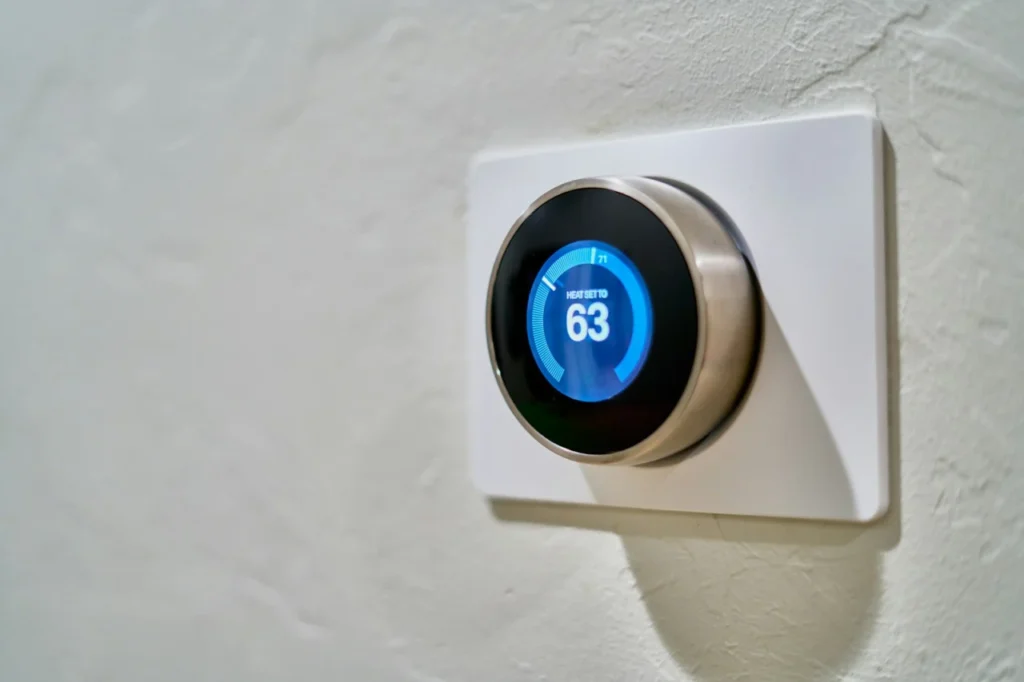
- Smart heating. A smart thermostat is commonly a few hundred pounds fitted, depending on the system. Our Hive, Nest and Tado comparison helps you choose.
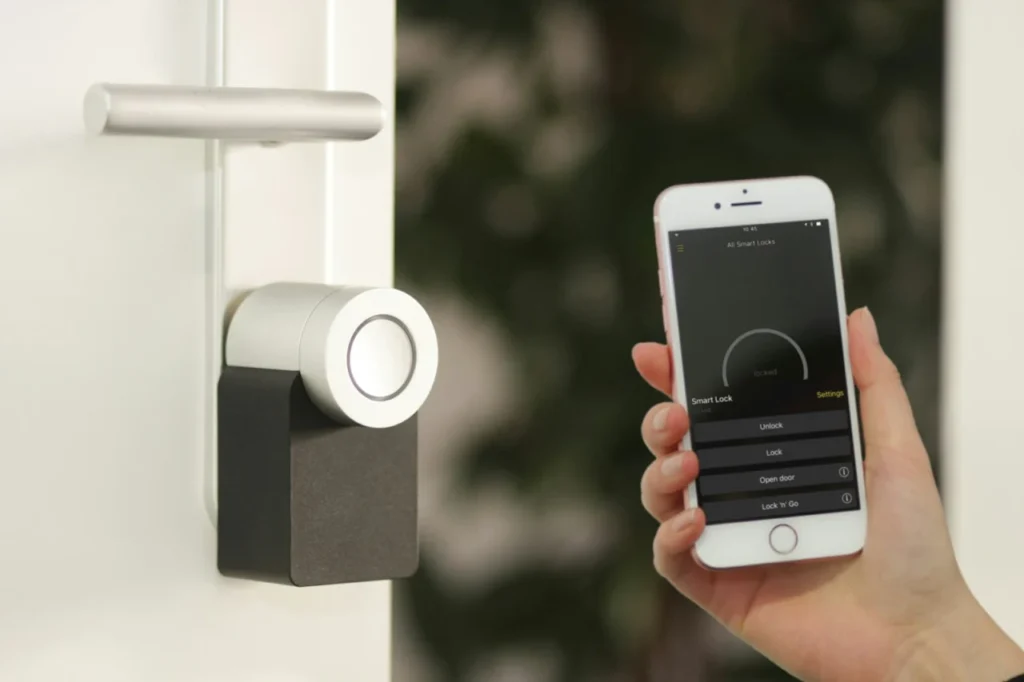
- Security. Video doorbells and cameras vary widely. Read video doorbell versus CCTV before buying.
- Voice control and hubs. Smart speakers are inexpensive. Choosing your platform first saves money later. See Alexa, Google Home or Apple HomeKit.
- Network upgrades. Often the hidden item: better access points, cabling to key rooms and a properly set up router.
The hidden costs people forget
- Network upgrades. Twenty or thirty connected devices put real demand on your WiFi. Read how much WiFi installation costs in the UK.
- Electrician time. Smart switches, thermostats and hardwired devices should be fitted by a qualified person.
- Subscriptions. Some cameras and doorbells charge a monthly fee for cloud recording.
- Replacing the wrong product. Buying incompatible gadgets is the most common waste. Planning avoids it.
- Setup time. Making everything work together, naming rooms, writing scenes, teaching the household, takes real hours.
DIY or professional installation?
DIY is great for individual gadgets. A professional is worth it when you want devices from different brands to work together, when you have a larger home, when wiring is involved, or when you simply want it to keep working. The cheapest mistake to fix is the one you never make. If you are weighing it up, read how to choose home automation installers in Essex.
Ways to keep the cost sensible
- Start with two or three rooms, not the whole house.
- Choose one platform and stick to it.
- Choose Matter-compatible devices where you can.
- Fix the network before adding devices.
- Prefer local control over cloud-only gadgets, so things work when the internet drops.
- Ask for a fixed quote before work begins.
If devices keep dropping
A smart home that keeps going offline is usually a network problem, not a gadget problem. Read why smart home devices go offline before replacing anything.
Get a clear plan and fixed price
HomeIT Services plans and installs smart home technology across Essex, starting with what you actually want to achieve and a network that can support it. See our smart home and automation service, or get in touch for a friendly conversation and a clear quote before any work begins.
HomeIT Services covers Southend-on-Sea, Chelmsford, Rayleigh, Billericay, Brentwood and Chigwell. See all the areas we cover.
Frequently asked questions
It ranges from a few hundred pounds for a DIY starter set to many thousands for a wired whole-home system. A typical mid-range setup for a house is often in the low thousands, depending on rooms, wiring and the quality of your network.
Yes. When walls and ceilings are open it is far easier and cheaper to add cabling and wiring for lighting, networking and sensors. Retrofitting is possible but usually takes more time.
Often yes. Smart homes can add dozens of connected devices, which puts real demand on your WiFi. A survey and, where needed, extra access points or cabling prevent dropouts.
Some cameras and doorbells charge a monthly fee for cloud video storage, and a few platforms have optional subscriptions. Check this before buying, and prefer local storage where possible.
Yes. Choose one platform and a Matter-compatible hub, start with the rooms you use most, and expand once the network is solid. This spreads the cost and avoids buying incompatible gadgets.
Rather have it done properly?
Get a clear, fixed quote from a local engineer before any work starts.