
In this guide
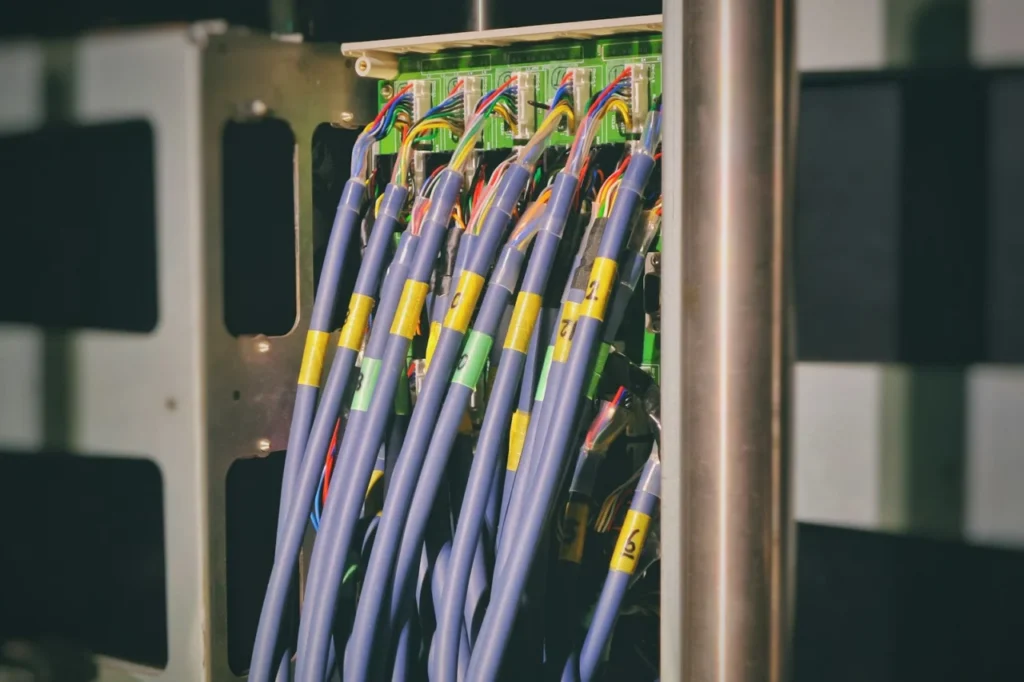
Short answer: most VoIP call quality problems come from the network, not the phone. The usual culprits are WiFi, a router that is not prioritising voice, a busy broadband line or a feature called SIP ALG. Wiring the phone, setting up Quality of Service and keeping voice on its own network normally fixes crackling, robotic voices and dropped calls.
VoIP can sound as good as, or better than, an old landline. When it does not, the symptoms are familiar: crackling, a robotic voice, words dropping out, echo, one-way audio or calls that cut off after a minute. These all point to the same family of causes.
What goes wrong: jitter, packet loss and delay
A call is sent as a stream of tiny packets that must arrive quickly and in order. Three things damage that stream:
- Packet loss. Packets go missing, so words disappear.
- Jitter. Packets arrive at uneven intervals, producing a choppy or robotic sound.
- Latency. Too much delay causes talking over each other and echo.
The seven most common causes
- WiFi. A phone or adapter on WiFi shares the airwaves with every other device. Moving voice onto a cable is the biggest single improvement.
- A busy connection. Uploads, backups, cloud storage or video calls saturate the line and starve voice of bandwidth.
- No Quality of Service. Without QoS, the router treats a voice packet the same as a file download.
- SIP ALG. A router feature that rewrites voice traffic and often breaks it.
- An overloaded or old router. Cheap routers struggle with many devices.
- Poor line quality. Faults or interference on the broadband line cause packet loss.
- Equipment faults. A failing handset, headset or cable can mimic network faults.
How to fix it
Wire the phone
Connect desk phones and adapters to the router or switch with an Ethernet cable. If cabling is not in place, see our guide to choosing Cat6 or Cat5e cable.
Set up Quality of Service
QoS tells the router to put voice packets first, so a download or video call cannot crowd them out. Many routers support it, but it needs to be configured properly.
Turn off SIP ALG
If calls have one-way audio or drop out, disabling SIP ALG is one of the most common fixes. The setting is in different places on different routers, so check your router’s manual or ask a professional.
Give voice its own network
A separate voice VLAN keeps phones away from busy computer traffic. It is standard practice in offices, and it is increasingly useful at home. Our guide to VLANs for the home explains the idea.
Check the line and the router
Run a few tests while you are on a call. If packet loss or jitter appears even with nothing else running, report a line fault to your broadband provider. Keep router firmware up to date, and replace a router that is struggling.
A quick diagnosis table
| Symptom | Likely cause | First thing to try |
|---|---|---|
| Choppy or robotic voice | Jitter or packet loss | Wire the phone, enable QoS |
| One-way audio | SIP ALG or firewall | Disable SIP ALG |
| Calls drop after a minute | NAT or router timeout | Check router settings |
| Echo | Headset or delay | Try another headset |
| Bad only at certain times | Busy connection | Prioritise voice, check uploads |
When to get help
If you have been through the basics and the problem remains, a short network review normally finds the cause quickly. For background, read what is VoIP and how does it work, and if you are still moving over, see what to do before the 2027 landline switch-off.
HomeIT Services fixes VoIP call quality for homes and small businesses across Essex, from router settings to handsets and full phone systems. See VoIP phone systems and digital landline setup and our network and WiFi installation, or contact us from Brentwood, Billericay or nearby.
Frequently asked questions
Usually packet loss or jitter caused by a busy or unstable connection, WiFi interference or a router that is not prioritising voice. A wired connection and Quality of Service settings normally fix it.
Not necessarily. Voice needs a stable, low-delay connection more than raw speed. A fast line that is overloaded can still produce poor calls.
SIP ALG is a router feature that tries to help with voice traffic but often breaks it. Disabling it is a common fix for one-way audio and dropped calls, although the right setting depends on the router.
Wired is better. Desk phones and adapters on Ethernet are far more reliable than phones on WiFi, especially when the network is busy.
Echo can come from the handset, headset or speakerphone, or from delay on the connection. Try a different headset first, then check the network.
Rather have it done properly?
Get a clear, fixed quote from a local engineer before any work starts.